AI is changing graphic design, but creators who adapt can turn disruption into scope.
Learn how to stay relevant, stand out, and protect your job.
Artificial intelligence did not simply alter graphic design; it kicked down the studio door, reorganised the fonts folder, touched everyone’s layers, and asked if it could “help.”
While half of the internet panicked, the other half quietly realised something shocking: AI isn’t here to replace graphic designers; it’s here to eliminate the tedious bits, allowing designers to finally do the work that matters.
Welcome to the era in which creativity remains human, but tedious tasks are delegated to your new tireless digital intern.
So, what’s Graphic Design in the AI Era, and How to Succeed as a Creator and Save Your Job?
Let’s get started!
AI Graphic Design Trends to Stand Out in 2026
The graphic design landscape is undergoing its most significant transformation since the shift from print to digital design. If you want to stand out in 2026, keep an eye on these trends.
- Human-AI hybrid workflows are becoming the new industry standard.
- 3D illustration is on the rise as rendering tools become more accessible.
- Motion graphics animation is no longer optional, but expected.
- Designers can use generative brand systems to instantly scale campaigns.
- AI-powered marketing graphics are utilised in real-time content cycles.
The future belongs to creators who understand how to combine intuition and innovation.
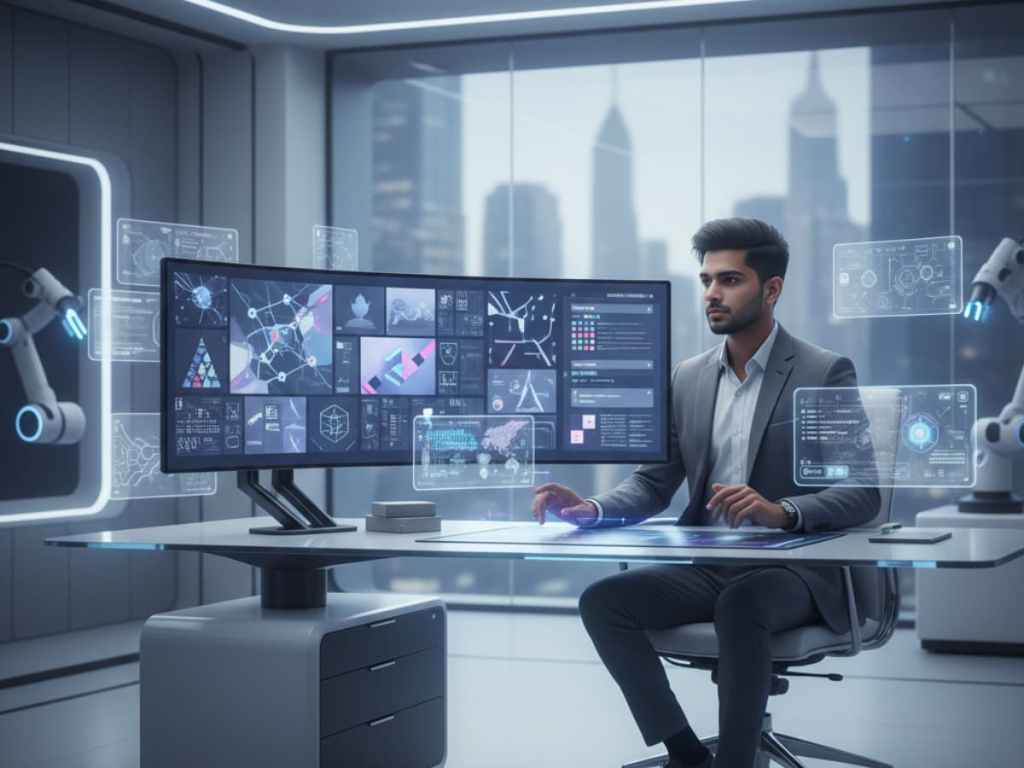
Advantages of AI-Powered Graphic Design
AI now acts like an all-in-one assistant that never sleeps. Here’s what it brings to the table:
- Faster workflows — Goodbye, background removal marathons.
- Unlimited ideation — Need 200 logo variations? Done.
- Enhanced accessibility — Automatically checks for contrast, readability, and layout.
- Boosted creativity — AI prompts can help break through creative blocks in seconds.
- Greater productivity — Designers can focus on strategy rather than pixel-pushing.
Designers can focus on strategy rather than pixel-pushing.
Best AI Tools for Graphic Design
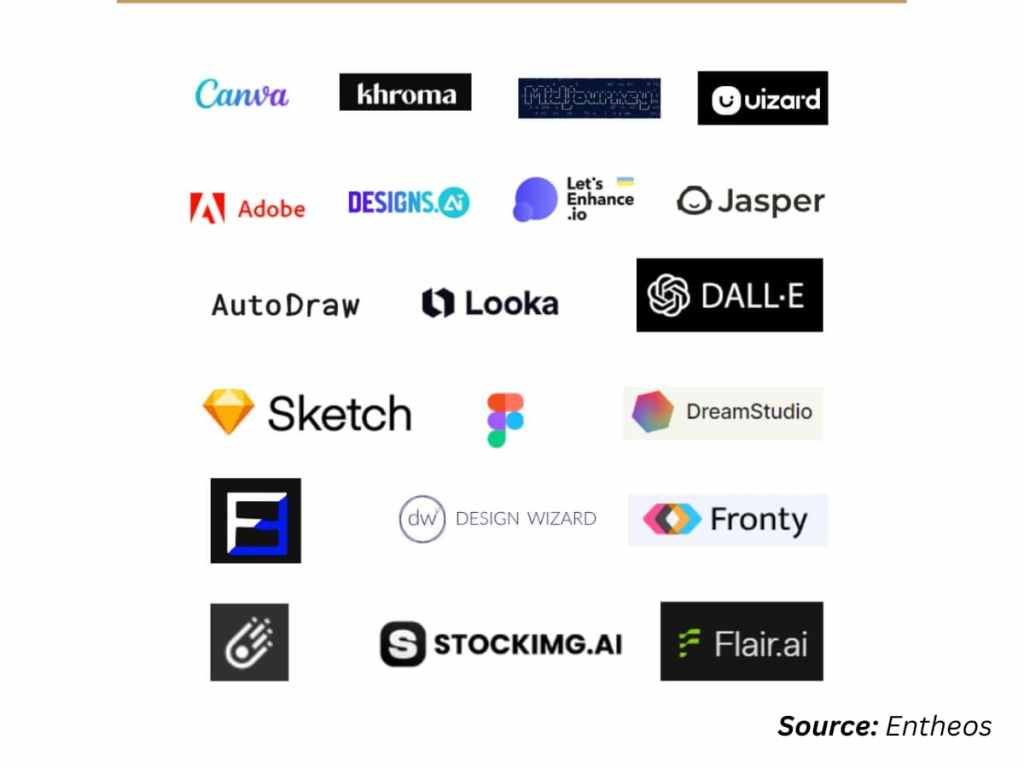
In 2026, designers will have access to a ridiculously powerful toolbox. Here are the heavy hitters you need to know:
1. Adobe Firefly
Firefly integrates seamlessly with Illustrator, Photoshop, InDesign, and Fresco. You can generate vector graphics, expand scenes, recolour assets with a single phrase, and quickly create mockups. It’s powerful, simple, and commercially safe.
(Explore more: Graphic Design in the Age of AI: A Practical Guide to Success.)
2. Canva AI
Ideal for quick social media content, roll-up banner design, website logo design, and advertisement design. Magic Resize and Magic Write allow non-designers to create decent layouts, while professionals can use them to speed up everyday tasks.
3. Freepik AI Suite
Ideal for generative imagery, upscale tools, and a large asset library. Ideal for motion designers, digital designers, and creative designers who require immediate inspiration.
4. MidJourney / Leonardo.ai / Recraft
Perfect for concept art, 3D graphic design ideas, illustration design, and vector design inspiration. Designers use them to spark ideas — then refine everything in their preferred graphic software.
5. Remove.bg, Khroma, Fontjoy
Not glamorous, but life-saving: instant background removal, colour systems, and typography pairing help. This AI stack is now standard among branding designers, product illustrators, and motion graphics artists.
How to Save Your Graphic Design Job in the AI Era
This is the section that every creative visits first, and for good reason. AI will not replace graphic design jobs. But what about the designers who refuse to adapt? That is another story.
Here’s how to future-proof your graphic design role:
1. Become a Creative Director, Not a Tool Operator
AI can generate graphics and design variations instantly, but taste still prevails. Your job is to determine what works, feels right, and is consistent with the brand.
2. Build Strategic Thinking Into Your Workflow
Clients hire brand designers for more than just attractive visuals; they also hire them for brand strategy, messaging, and storytelling. AI cannot replace these.
3. Upgrade Your Skill Stack
Specialisations that will flourish:
- Motion Design
- 3D modelling software mastery
- Digital design for interactive experiences.
- Vector graphics software workflows
- Design infographic creation.
- Creative logo design for multi-platform identities.
These require human insight combined with AI acceleration.
4. Develop a Killer Graphic Design Portfolio
Clients are impressed by decisions, not tools. Include:
- Process breakdowns
- AI-human hybrid workflows
- Before and after transformations
- Motion graphics animation samples
Examine other graphic design portfolio examples to understand modern styles.
5. Strengthen Client Relationships
AI can’t read emotions. You can.
Your empathy, communication skills, and professionalism will result in long-term contracts.
Want a real example? See How The fashion industry is already transforming with AI.
Designers who adapt thrive rather than shrink.
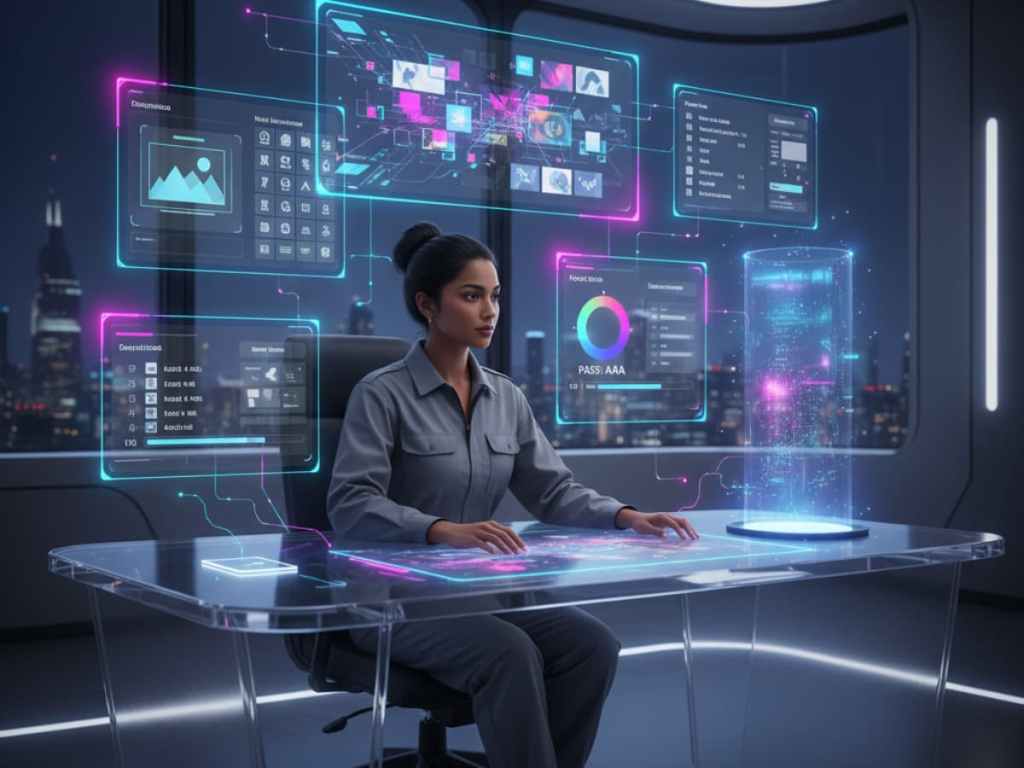
Cautions While Using AI Graphic Design Tools
Although AI is powerful, it should be treated with caution. Useful, but dangerous if abused.
- Don’t rely on AI for final decisions — It has no emotional intelligence.
- Beware of generic outputs — AI trends can result in copy-paste aesthetics.
- Check commercial rights — Not every tool is commercially safe.
- Avoid over-automation —Clients still value your creative voice.
- Always refine outputs manually — Never send raw AI content to clients.
Pros and Cons of AI Graphic Design Tools
Pros
- Rapid ideation
- Easy revisions.
- Scalable outputs.
- Reduced manual labour.
- Accessibility and consistency.
Cons
- Risks of generic design
- Inconsistent text rendering
- Copyright/licensing confusion
- Limited emotional understanding.
- Overuse can be detrimental to creativity.
Where AI Graphic Design Tools Outshine
AI is unbeatable at tasks such as:
- Background removal
- Asset resizing
- Image expansion
- Quick mockups.
- Social templates
- Variation generation
- Colour palette suggestions.
- Style Exploration
- Pattern creation
- Batch Processing
Basically, AI is your backstage crew.
Where Manual Graphic Design Is Still Ideal
No tool beats the human touch in this case:
- High-end luxury branding.
- Editorial craftsmanship.
- Sketch-based ideation.
- Hand-drawn illustrations
- Printmaking
- Zines and comics
- Complex layouts.
- Brand Strategy
- Emotional storytelling.
- Live client sketching.
This is where designers demonstrate their irreplaceable value.
FAQs About AI Graphic Design Tools
Can AI replace graphic designers entirely?
No. AI lacks intuition, emotional intelligence, and brand awareness. It improves your workflow but does not eliminate the need for human creativity.
What can AI tools actually do?
They create images, edit visuals, create mockups, assist with motion graphics, digital design, and automate repetitive tasks such as background removal, resizing, and accessible colour checks.
How do I integrate AI into my workflow?
Use it for brainstorming, speeding up production, experimenting with styles, and creating mockups. Allow AI to assist; do not give up creative control.
Are AI outputs copyright-safe?
Only if the tool indicates commercial safety (as Firefly does). Always check the rights before using AI assets in client projects.
What skills do designers still need?
Brand strategy, typography, colour theory, illustration, motion design, communication, and portfolio development. AI cannot replace these fundamental skills.
Conclusion
AI isn’t the villain in the graphic design world; it’s the ultimate creative partner. Designers who embrace it will move faster, think bigger, and produce better results. Your creativity remains the star of the show; AI simply gives you a brighter spotlight.
By adapting, remaining curious, and evolving your skill set…
Your graphic design career will not only survive but also dominate the AI era.
 OPTERFACE